

Overview
A consistent, brandable experience
Autentikar SDK is designed to adapt to each client's branding while maintaining a consistent experience across flows and platforms. You can customize colors, typography, text, icons, loading content, and other visual behavior.
The customization model follows four principles:
- Each module exposes a class or property for the parts of its UI that can be customized.
- Modules inherit common visual values from Core whenever possible.
- A module has its own customization class when its capture experience needs specific controls.
- The module manager applies the configuration centrally through
setCustomization, except where UnifiedID delegates the UI directly to FaceTec.
This gives the development team one base style that can be adapted for specific capture experiences without duplicating the whole theme.
Module model
| Module | iOS | Android |
|---|---|---|
| Core | AutentikarCoreCustomization | AutentikarCoreCustomization in current releases; older releases may expose AutentikarCustomization |
| UnifiedID | Inherits Core and uses AutentikarFaceTecCustomization for FaceTec UI | Inherits Core and exposes faceTecCustomization for FaceTec UI |
| PhotoIDScan | AutentikarPhotoIDScanCustomization | AutentikarPhotoIDScanCustomization |
AutentikarCustomization as the Android Core class in earlier releases and notes its normalization to AutentikarCoreCustomization. Check the class name exposed by the exact Core version installed in your app.Updated screens
Loading
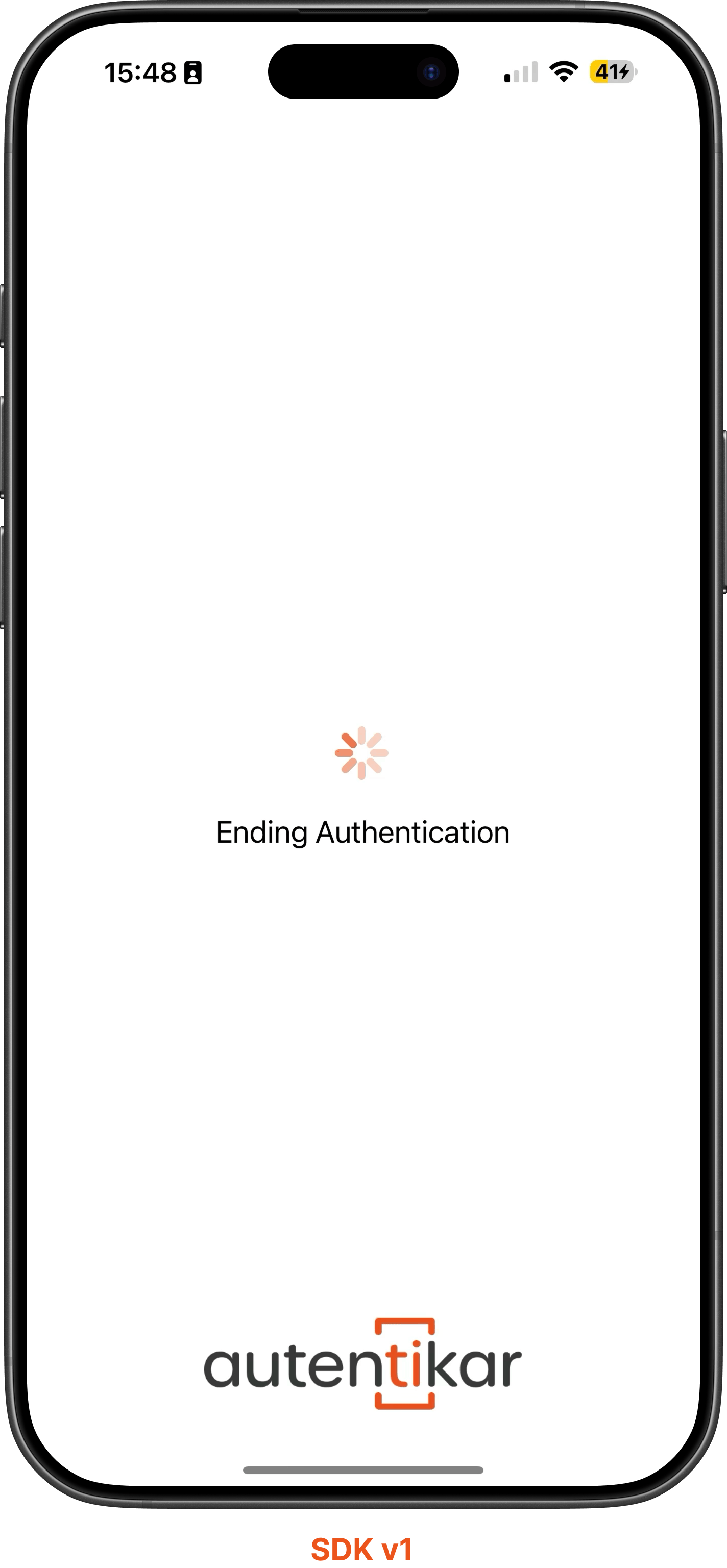
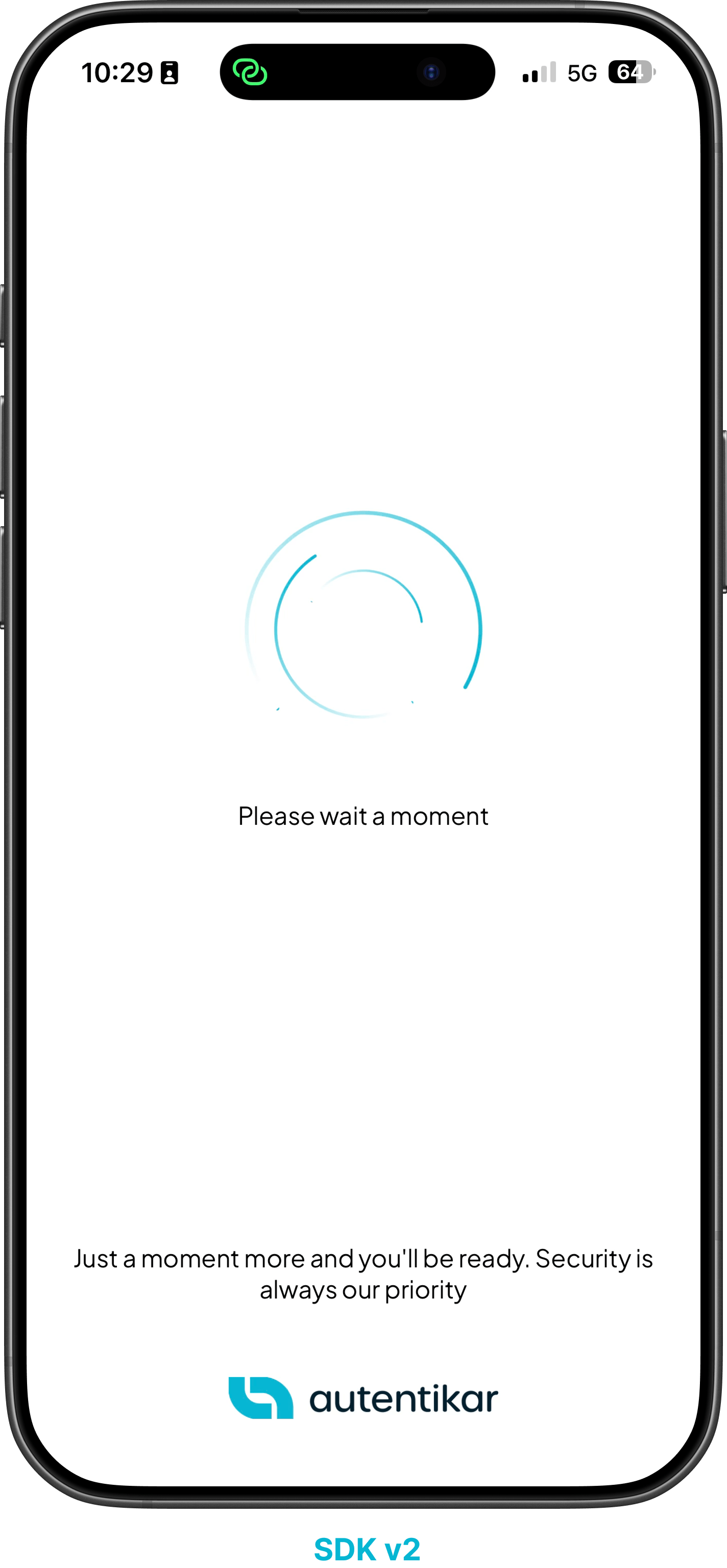
The loading screen includes improved animation and clearer feedback. Starting with Core 1.0.11 on iOS and Core 1.0.15 on Android, you can replace the loading content entirely.
| SDK v1 | SDK v2 |
|---|---|
 |  |
Data authorization
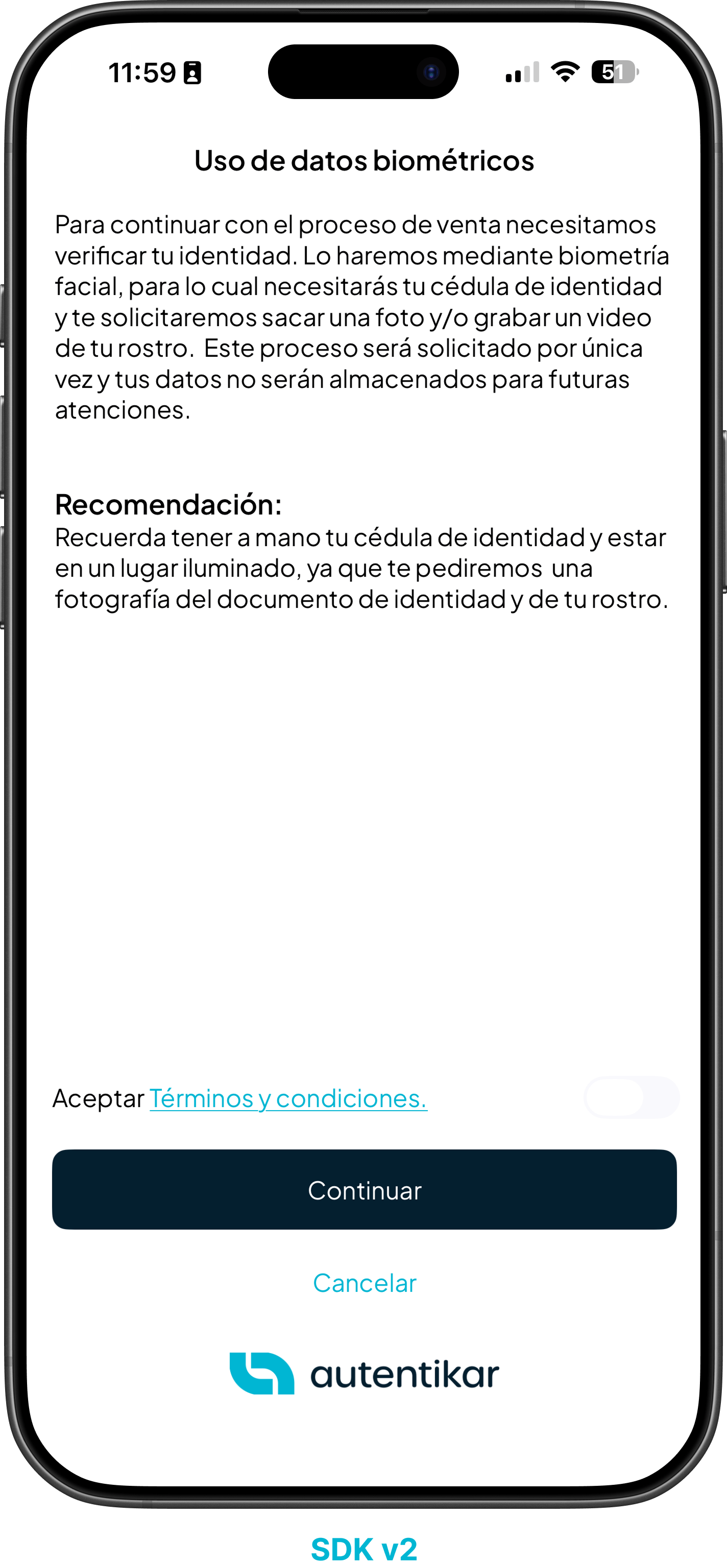
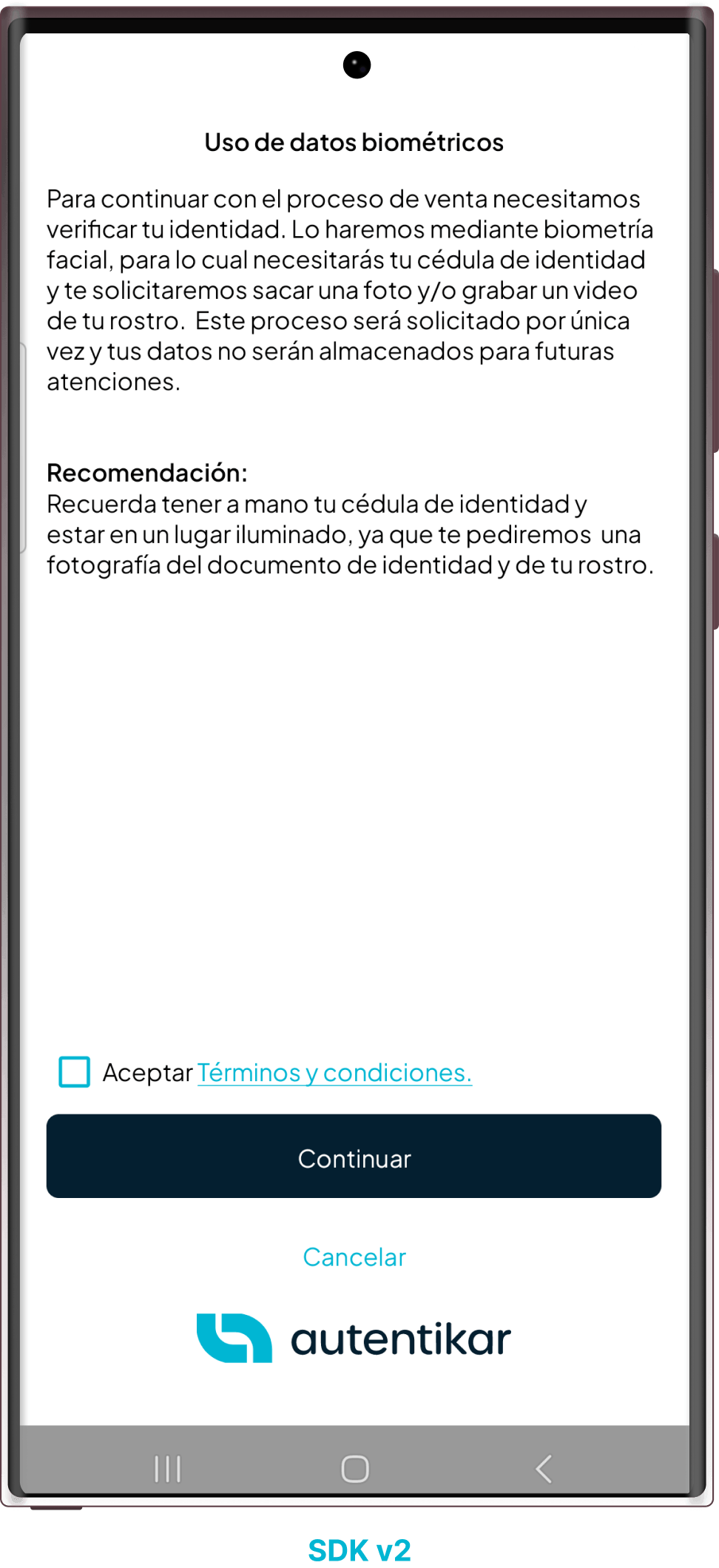
This screen presents parameterized information based on the data the user is authorizing. It is exclusive to the new SDK and allows the content to match each flow.
| iOS | Android |
|---|---|
 |  |
Capture instructions and feedback
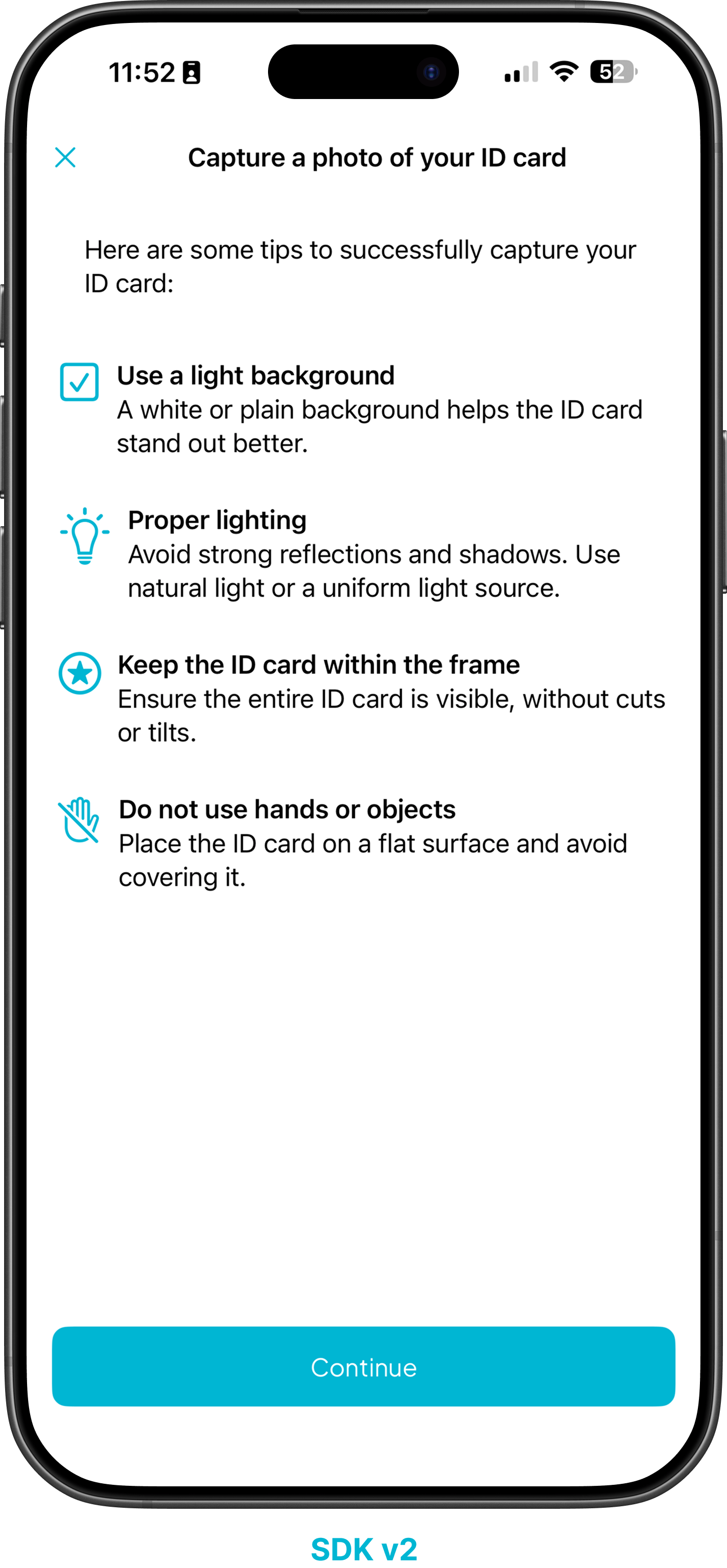
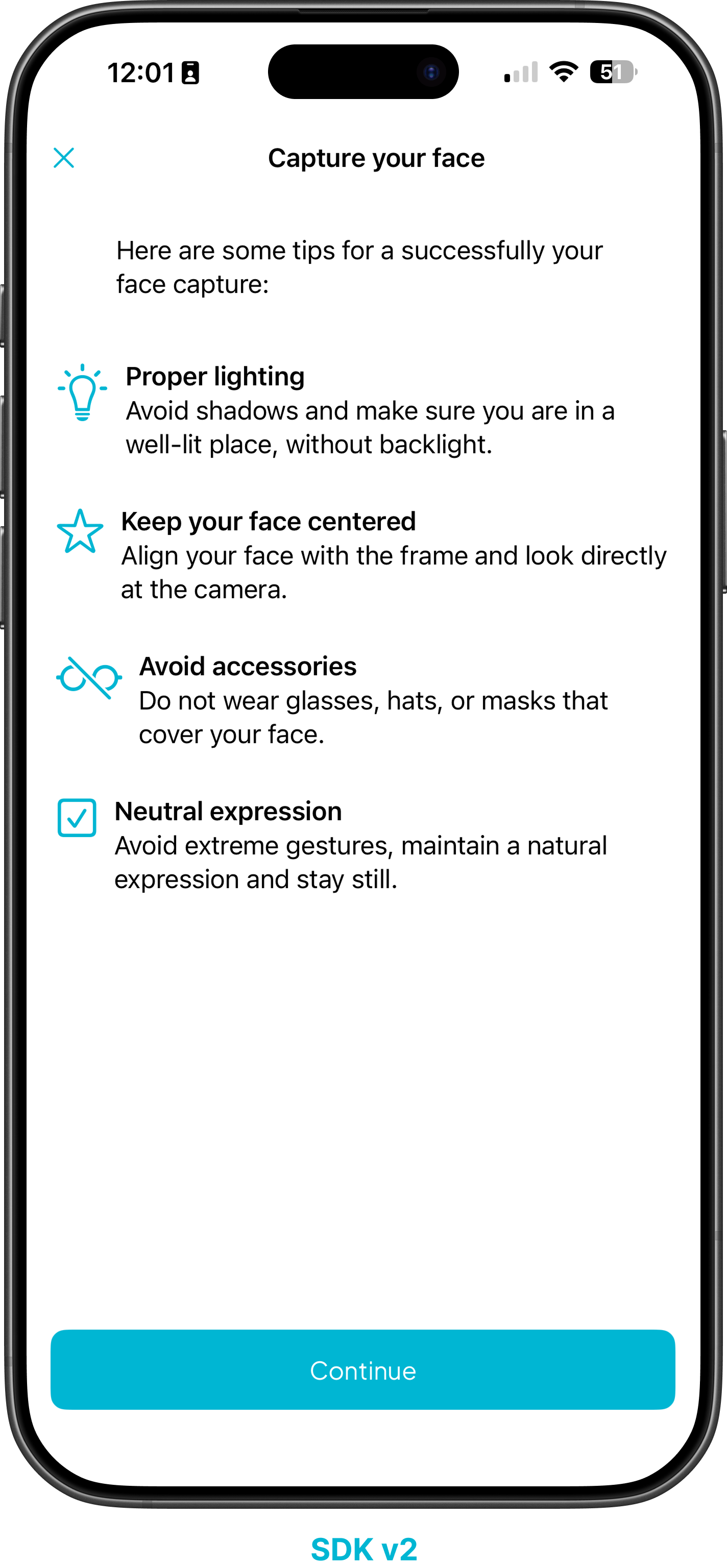
The optional instruction screen appears before capture and gives the user clear visual and textual guidance for positioning a document or face. It is available starting with Core 1.0.8 on iOS and Core 1.0.11 on Android.
| ID Card | Face |
|---|---|
 |  |
Native ID-card capture
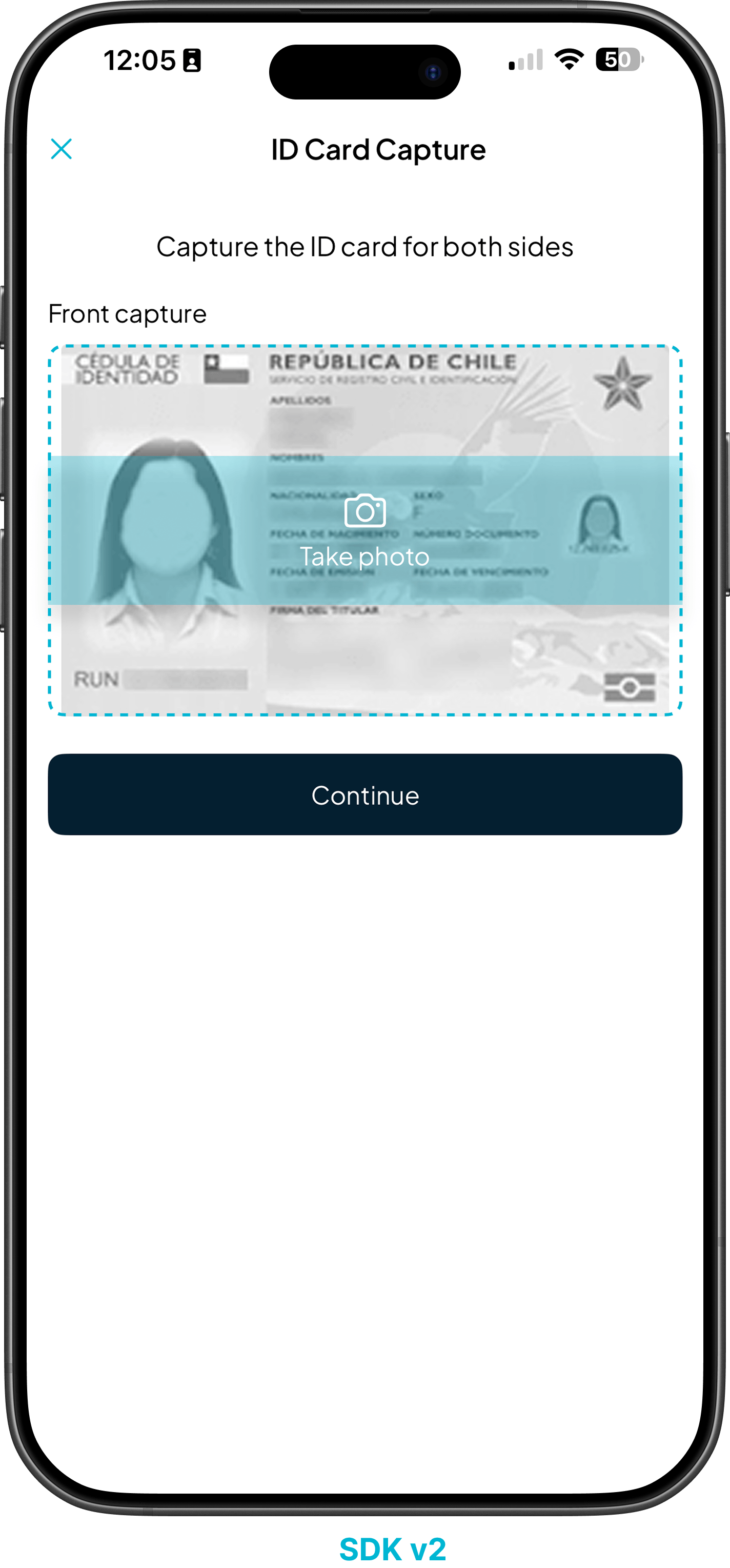
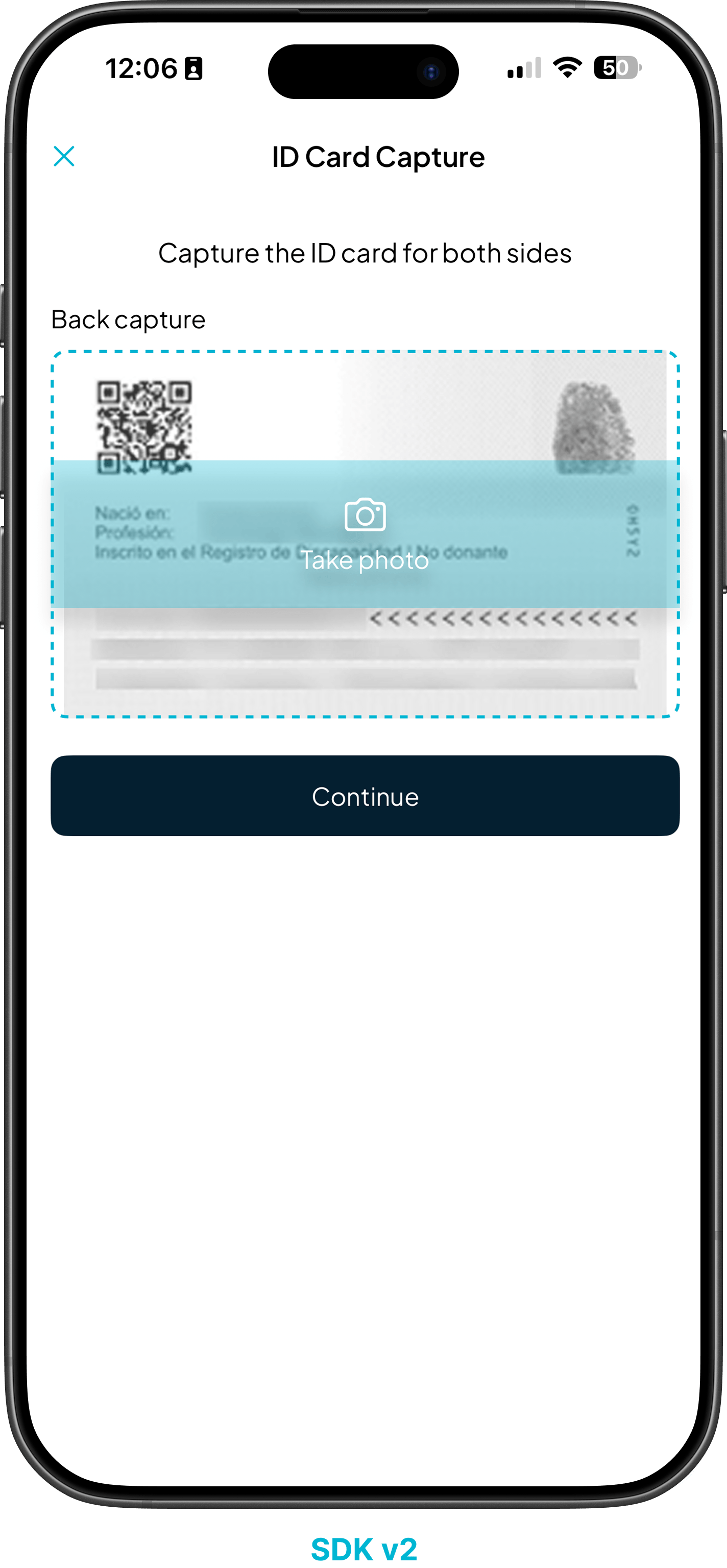
PhotoIDScan guides the user through a valid document capture and applies automatic quality checks. Native capture currently supports Chilean ID cards, with additional countries planned.
| ID Card Front | ID Card Back |
|---|---|
 |  |